If you began to run out of disk space on your laptop, portable flash memory, or even local hard disk, then you need Disk Space Analyzer. It will analyze your drives within few minutes only and display graphical charts and informative reports for each partition.
The program has the ability to generate reports for each partition separately, but it cannot generate one report for the whole hard disk.
You can generate custom reports of any folder by clicking on any folders or sub-folders.
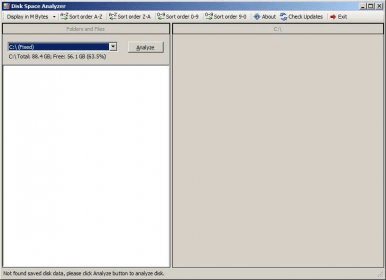
The generated reports will appear as a pie chart, that will show you the percentage of space used by user files, program files, programs data, Windows, and other files. When you click on any one of these sections, you will be able to go to the another one pie chart that will show you the content of that section. Additionally, you can navigate through any file or folder on your computer directly through the tree-like explorer on the left panel.
The output items found on the generated reports can be sorted alphabetically or numerically (0-9) in ascending or descending order.
The program can display the file size in bytes, kilobytes, megabytes, and gigabytes for your convenience.






Comments